Image 1 of 3
Image 2 of 3
Image 3 of 3
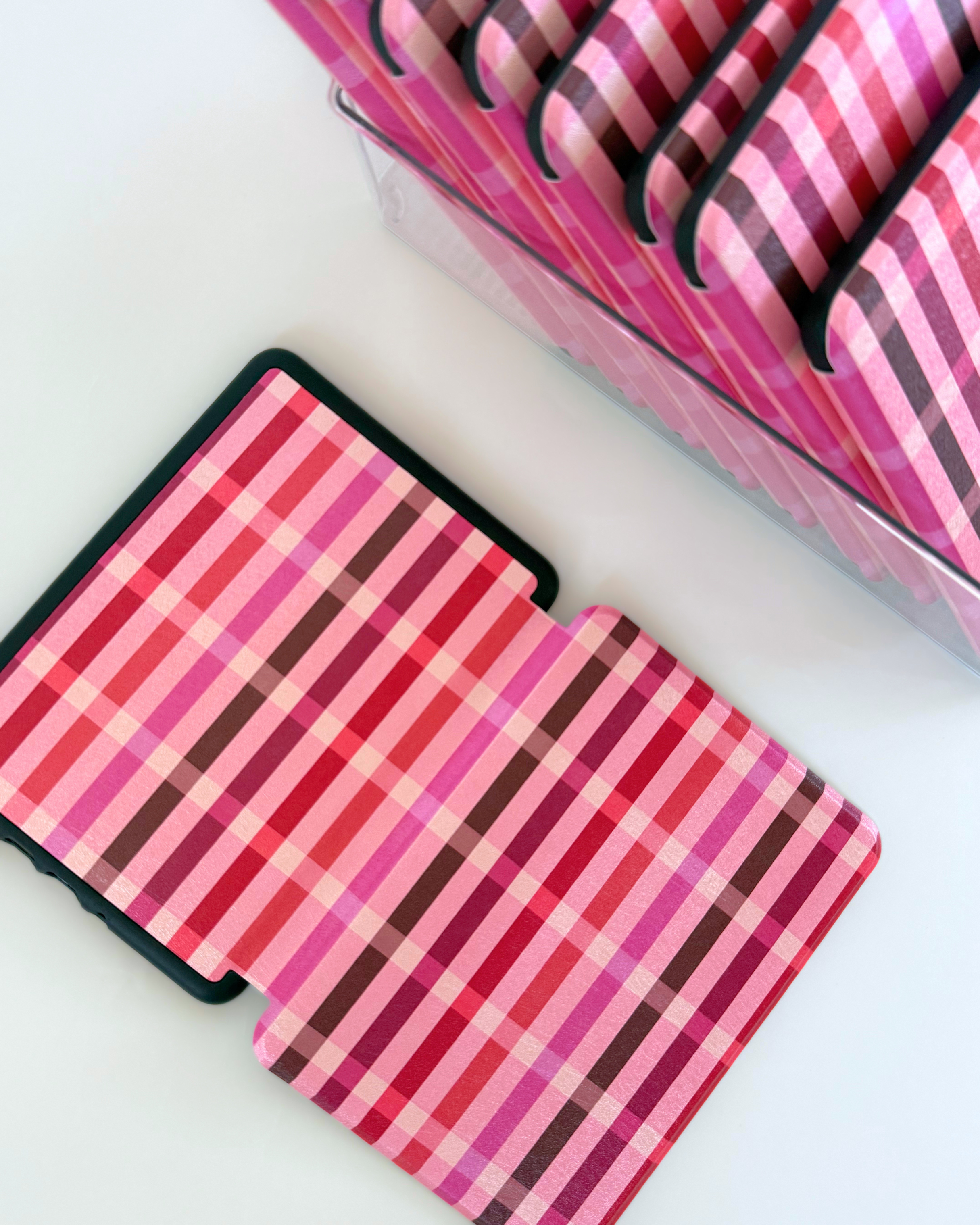
Love Note 💌
A love note to our fellow readers 🥨 Illustrated by THE Louise Pretzel
What size is my Kindle?
This one is super important! First, open "All Settings" on your Kindle dashboard. Select "Device Options" and then "Device Info." Your device will be listed at the top!
Paperwhite | Colorsoft | Paperwhite Signature (2026 release) — 7″ | power button on the right edge
Kindle Basic (2026 release) — 6″ | power button on the right edge
Paperwhite 12 | Colorsoft | Paperwhite Signature (2024 release) — 7″ | power button on the bottom
Paperwhite 11 (2021 release) — 6.8″ | power button on the bottom
Kindle Basic 11 (2022 or 2024 release) — 6″ | power button on the bottom
A love note to our fellow readers 🥨 Illustrated by THE Louise Pretzel
What size is my Kindle?
This one is super important! First, open "All Settings" on your Kindle dashboard. Select "Device Options" and then "Device Info." Your device will be listed at the top!
Paperwhite | Colorsoft | Paperwhite Signature (2026 release) — 7″ | power button on the right edge
Kindle Basic (2026 release) — 6″ | power button on the right edge
Paperwhite 12 | Colorsoft | Paperwhite Signature (2024 release) — 7″ | power button on the bottom
Paperwhite 11 (2021 release) — 6.8″ | power button on the bottom
Kindle Basic 11 (2022 or 2024 release) — 6″ | power button on the bottom